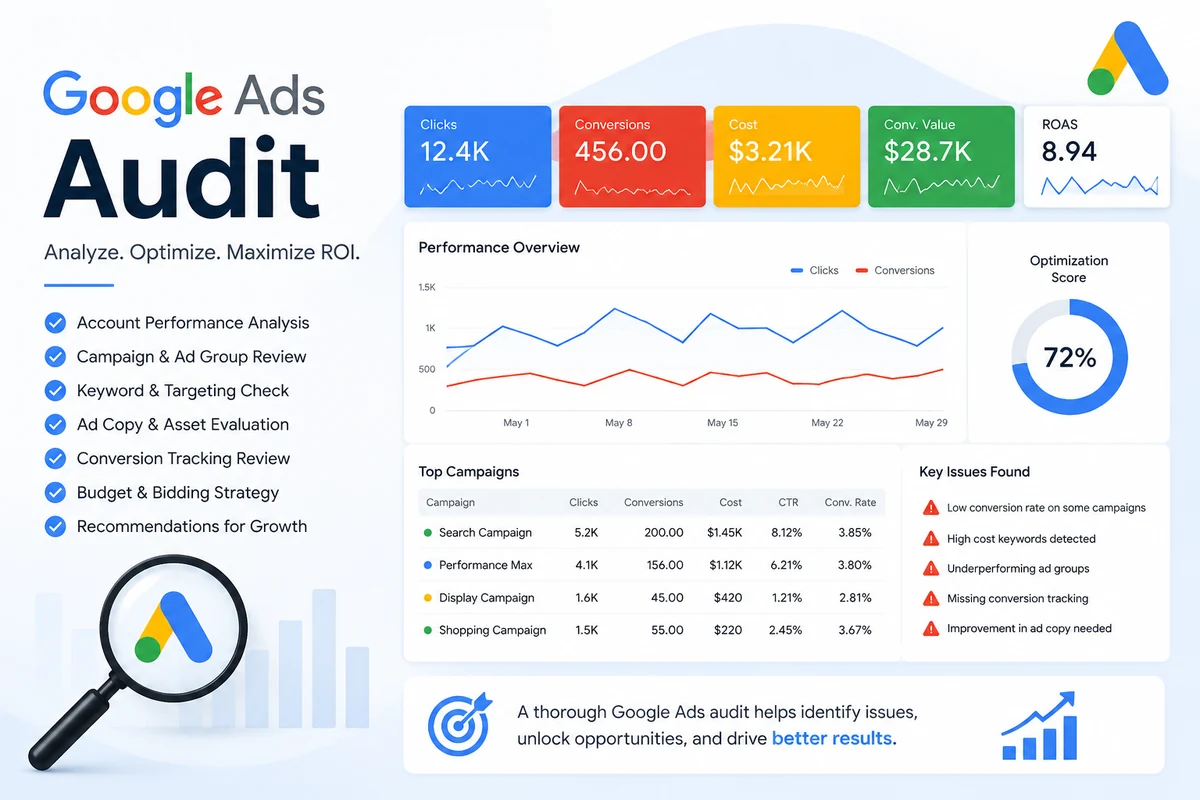
I have worked on Google Ads for over five years and audited more than 100 accounts, ranging from $1,000 a month in spend to over $100,000. The budget barely matters. The same five problems turn up in roughly nine out of ten accounts I open.
What follows is not a generic checklist. It is the short list of issues that actually recur, the ones costing real money in accounts that otherwise look like they are being managed properly.
Keywords are the foundation of every Google Ads account, and match type is the single setting that decides who actually sees your ads. There are three:
Your ad can show for anything Google considers related to your keyword, including searches that share no words with it at all. Google decides what counts as related, and the interpretation is generous.
Your ad shows when the meaning of your keyword is included in the search. The user can add words before or after, but the core intent has to be there.
Your ad shows for the keyword itself and close variants, plurals, misspellings, and reworded phrasings with the same meaning. The tightest control available.
In audit after audit, I find accounts running almost entirely on broad match. It brings in traffic that has nothing to do with the business, and that traffic converts, but the conversions are largely junk. Spam form fills, wrong-country enquiries, people who will never buy.
Why this is so easy to miss: the account looks like it is doing well. Cost per conversion drops, lead volume rises, and the reports look healthy. It is only when you check what those leads actually are that the picture changes, and by then the bidding algorithm has spent weeks optimising toward the wrong people.
Broad match is not useless. It works when conversion tracking is accurate, negative keyword lists are maintained, and someone reviews the search terms report regularly. Used without those three things, it is the fastest way to waste a budget.
This one is buried in advanced settings and almost nobody changes it.
Google Ads gives you two location targeting options, and the default is "Presence or interest", people in, regularly in, or who have shown interest in your targeted locations. Google recommends it, so it stays switched on. The alternative, "Presence," reaches only people who are actually in or regularly in those locations.
The difference matters more than it sounds. If you target New York on the default setting, someone sitting in Florida can see and click your ad simply because they searched something New York-related. They are interested in the location. They are not interested in your service.
In lead generation accounts this quietly consumes a large share of budget. Published estimates put the waste at 20 to 35% for accounts that should be running Presence only, and in some of the accounts I have audited it has been worse than that.
How to fix it: Campaign → Settings → Locations → Location options → change "Target" from "Presence or interest" to "Presence." Do the same for the Exclude setting. This is a campaign-level change, there is no account-wide toggle, so it has to be done on every campaign individually.
The default is genuinely right for some businesses. Hotels, tourism, relocation services and event venues all want people planning to visit before they arrive. For a local service business or a lead-gen account, it is almost always wrong.
An audit should also confirm that each campaign type has a clear role and is optimizing toward the right conversion goals. Our Performance Max vs Search campaign comparison explains what to check when both campaign types run in the same account.
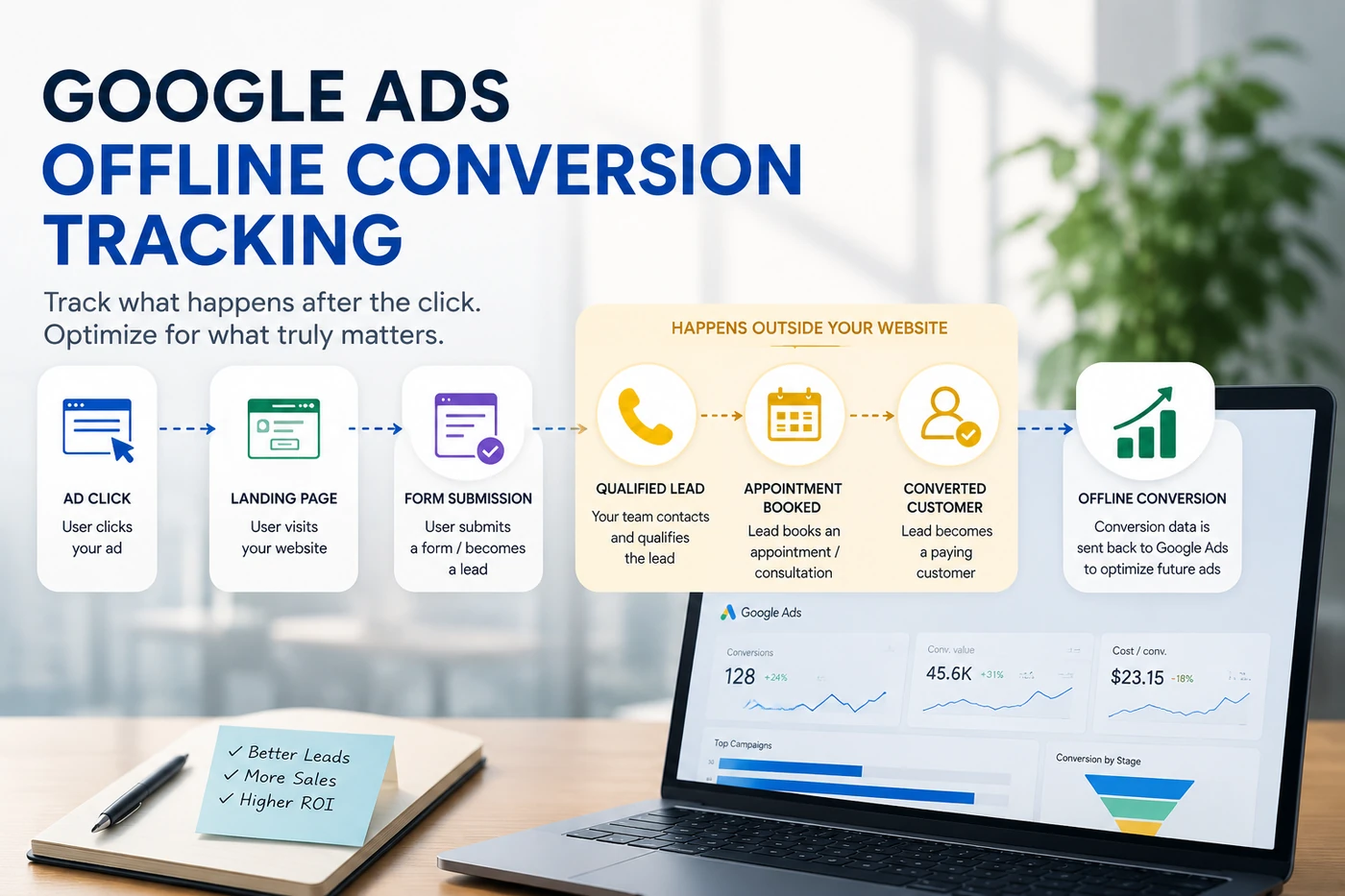
Conversion tracking is what tells the algorithm what to optimise toward. If it is wrong, everything downstream is wrong, and this is the issue I find most often, in both lead generation and e-commerce accounts.
The specific problems repeat:
The consequence is the same in every case. The algorithm is doing exactly what it was told to do, it is just chasing bad data. Lead quality falls, cost per real sale rises, and the reports say performance is improving.
This one shows up in almost every multi-campaign account.
The same keywords end up targeted across several campaigns. When a search happens, those campaigns compete for the same query. You are effectively bidding against yourself.
The result is a chain reaction: average CPC rises, fewer clicks are bought for the same budget, cost per acquisition climbs, and lead volume drops. All of it caused by account structure rather than by competitors or the market.
It is rarely deliberate. Campaigns get added over time, keywords get duplicated, and nobody audits the overlap.
Most accounts I audit have low Quality Scores, and most owners have never looked at the column.
Quality Score is built from three components:
They are connected. Your keyword should appear in your ad copy, and your ad's promise should be reflected on the landing page. When those three line up, click-through rate rises, which lifts Quality Score, which lowers your cost per click.
That is the part worth understanding: a higher Quality Score means you pay less for the same position. The same budget buys more clicks, and more clicks at the same conversion rate means more leads. It compounds.
If you are still working out what to spend, see our Google Ads cost guide for small businesses.
Seeing clicks without conversions? That guide works through the diagnosis in order.
If you run a Google Ads account, these five are worth checking this week. Four of them cost nothing but time to fix, and the location setting takes about two minutes per campaign.
The pattern across all five is the same: none of them look like problems from inside the Google Ads dashboard. The reports keep saying things are fine. That is precisely why they survive for months in accounts that are otherwise well managed.
Request a free Google Ads audit. Written findings come back within 24 hours, no obligation, and the report is yours whatever you decide to do next.
Request a free audit →Practical writing on paid media, based on real account work.