If your Google Ads are getting clicks but no conversions, the campaign is not necessarily failing at the ad. The real problem is usually somewhere after , or behind, the click: inaccurate conversion tracking, low-intent search terms, a mismatch between the ad and landing page, a weak offer, or friction that stops visitors from taking action. A structured Google Ads audit can help you find which part of that path is actually broken before you spend more.
Do not respond by changing everything at once. First establish whether conversions are genuinely missing. Then work through traffic quality, message alignment, landing-page experience, the offer, and the campaign data in that order.
Google Ads usually receives clicks without conversions for one or more of these reasons:
Clicks prove that an ad persuaded someone to visit, not that the visitor was suitable or the page persuasive.
Before changing keywords or landing pages, verify the measurement. A campaign may be generating phone calls, form submissions, bookings, or purchases that Google Ads is not recording.
Open Goals → Conversions → Summary and review the status of every important conversion action. Google recommends checking whether the action is active and using its troubleshooting tools when a tag is unverified, inactive, or needs attention. Test the complete journey yourself rather than assuming a tag is working because it exists.
For lead generation, confirm that forms fire only after successful submission, calls meet a meaningful duration, duplicate tags are absent, and minor interactions are secondary. For e-commerce, test the purchase value and currency. Google Ads, GA4, and the store platform may differ because attribution rules differ, but a large unexplained gap deserves investigation.
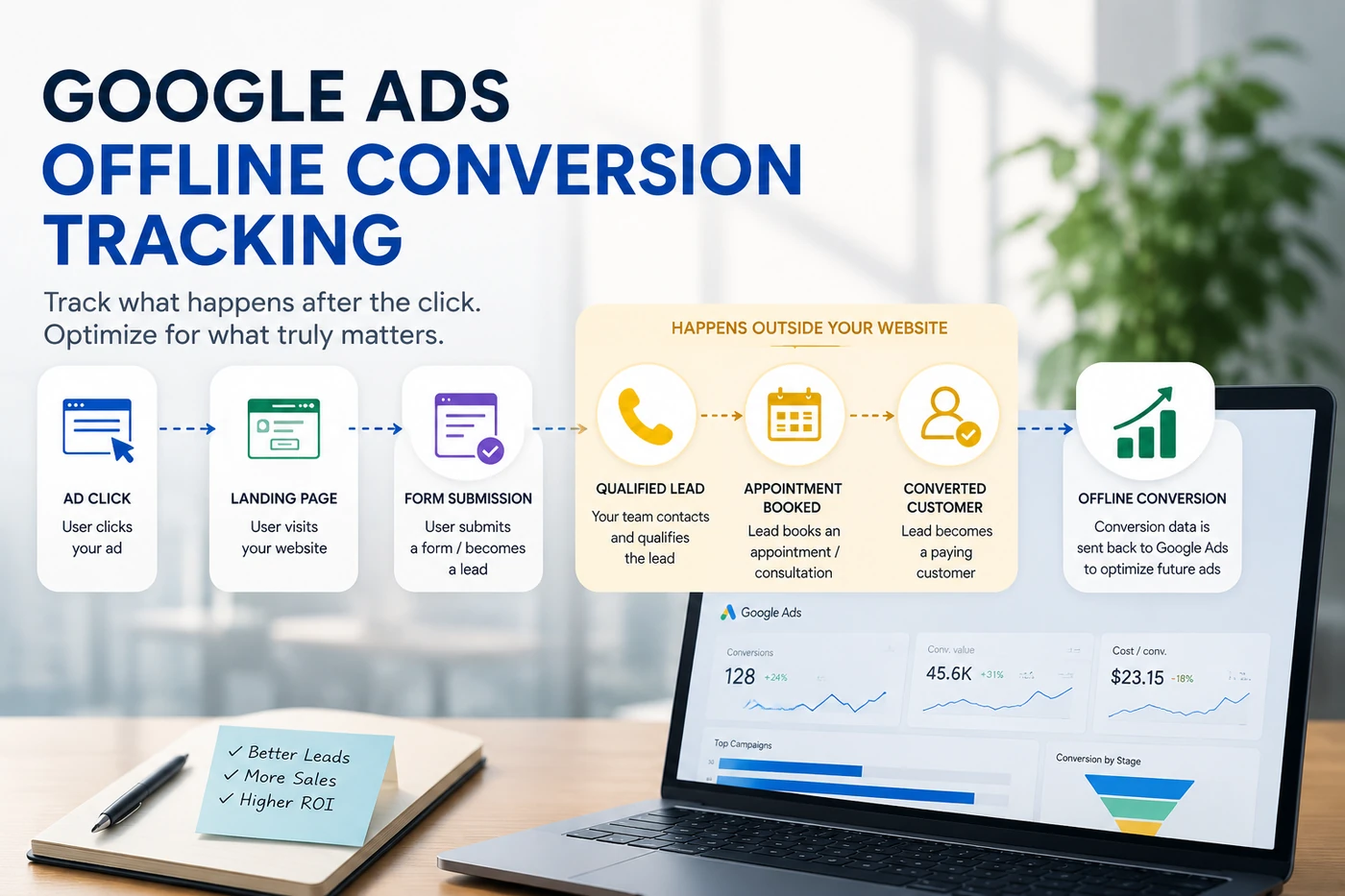
If the sale happens later through a CRM, phone call, sales representative, or offline process, browser tracking alone may not show which clicks created real customers. Google Ads offline conversion tracking can connect qualified leads or closed sales back to the campaigns that generated them.
A keyword is what you target. A search term is what the person actually typed. That difference explains a large amount of wasted spend.
Review the search terms report and classify queries as high intent, relevant but early, or irrelevant. Look especially for job searches, courses, definitions, free resources, different services, and locations you do not serve.
Imagine a commercial plumbing company bidding on “plumbing services.” Clicks could come from homeowners needing a small repair, people looking for plumbing jobs, students researching courses, or users searching for DIY instructions. The keyword sounds relevant, but the underlying intent may be wrong.
Google's search terms report can reveal irrelevant queries, and negative keywords can prevent ads from showing for searches you do not serve. Add negatives carefully; an overly broad negative can also block valuable demand.
Do not judge traffic only by click-through rate. An attractive ad can earn many clicks from the wrong people. The more useful question is: Would a reasonable share of these searchers become customers for this exact offer?
The journey should feel continuous:
Search → ad → landing page → conversion action
If someone searches “same-day AC repair,” clicks an ad promising same-day service, and lands on a general homepage covering installation, maintenance, careers, and company history, the visitor has to work to find the original promise.
The landing page should quickly confirm that the requested service is available, the business serves the visitor, the benefit is clear, the next step is obvious, and the ad's promise remains accurate.
Google describes Quality Score as a diagnostic tool, not a KPI or direct auction input. Its components can identify a weak connection between the keyword, ad, and page. Use it as a clue, not the business outcome.
Even qualified visitors abandon pages that are slow, confusing, or difficult to trust. Review the page as a customer, especially on a mobile phone.
A visitor should not wait through heavy video, oversized images, broken scripts, or shifting elements. Test the actual ad URL on mobile as well as desktop.
Choose one main next step: request a quote, book an appointment, call, buy, or start a trial. Too many competing buttons can make the page feel busy without making the decision easier.
Every required field creates friction. Ask only for information needed to respond or qualify the enquiry at this stage.
Use genuine reviews, credentials, guarantees, policies, and contact details where relevant. Fabricated urgency and generic trust badges can make the page less credible.
Check that buttons are easy to tap, phone numbers work, forms fit the screen, and important information appears early.
Sometimes the campaign and page work technically, but the commercial proposition is weak.
Compare the ad and page with alternatives. Is the value reasonable? Are the service area, delivery time, and availability clear? Is there a meaningful reason to choose this business, and is the requested commitment appropriate for a first visit?
“Contact us” is not an offer. “Request a same-day repair estimate” or “Book a 20-minute consultation” tells the visitor what they will receive and what happens next.
Avoid solving a weak offer by making an unrealistic promise. The goal is clarity and relevance, not hype.
Segment performance before making blanket decisions.
For a local business, inspect where users were physically located and whether the campaign's location option matches the business model. A hotel may want people planning a future visit, while an emergency plumber usually needs people inside the service area.
Compare devices. A poor mobile conversion rate may point to usability, but review call reporting, form behavior, and customer quality before excluding a device.
Then check the day and hour. If calls are the main conversion, clicks arriving when nobody answers may be less valuable. The schedule and conversion path should reflect how the business handles enquiries.
A traffic-focused bidding strategy can do exactly what it is asked to do: generate visits. It cannot rescue weak measurement or decide which leads matter if the account never sends that information back.
Before using conversion-focused automation, make sure the selected conversion actions represent real business value. For lead generation, a submitted form may be a starting point, but qualified leads, appointments, and closed customers provide a stronger signal. For e-commerce, purchases and revenue matter more than add-to-cart volume.
Do not change bidding merely because conversions are low. If tracking is broken or traffic is irrelevant, a different strategy will learn from the same bad foundation. Fix the signal first.
Zero conversions after five relevant clicks is not the same as zero conversions after 500.
Build a simple expectation from the economics. If a realistic landing-page conversion rate is 5%, one conversion would occur per 20 clicks on average, not on a guaranteed schedule. A short run can fall above or below that expectation.
Also consider the sales cycle. An emergency repair may convert immediately; a complex B2B service may involve repeat visits and later conversations. Evaluate enough relevant traffic over an appropriate window. Our guide to Google Ads costs for small businesses explains how CPC, budget, conversion rate, and customer value affect the data a budget can buy.
Use this order to avoid fixing the wrong problem:
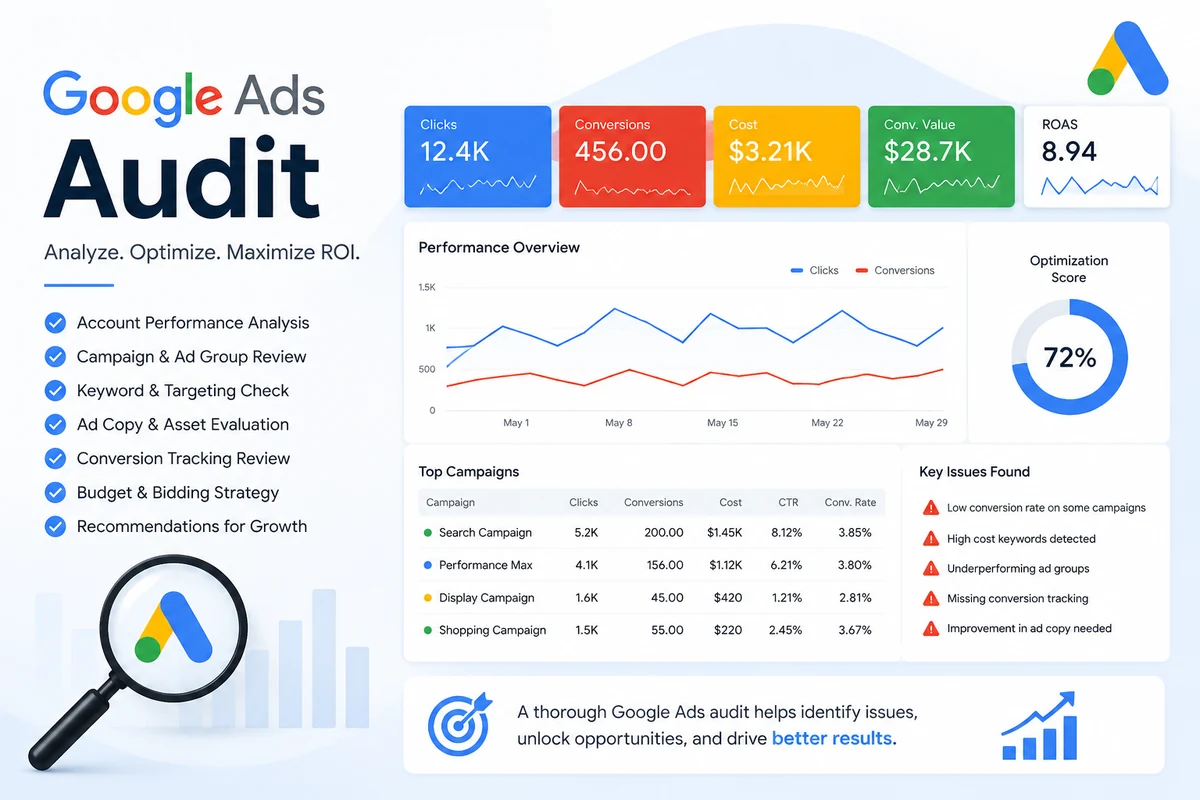
This sequence is also what separates a useful account review from random optimization. The broader Google Ads audit checklist covers additional issues worth checking across an account.
Not automatically. Pause clearly irrelevant traffic or broken destinations. If tracking is uncertain, fix measurement first. If clicks are relevant but the page is weak, improve the page. If search terms are poor, tighten traffic quality. When both are sound but the sample is small, collect enough data for a fair decision.
Clicks without conversions are a symptom, not a diagnosis. More budget will not correct broken tracking, weak intent, a mismatched landing page, or an unwanted offer. Trace the journey from the search term to the final business outcome; the correct next change will become clearer.
Adzlance can examine your search terms, tracking, targeting, campaign structure, bidding and landing-page alignment, and tell you which part of the path is actually broken.
Get a free Google Ads audit →If the account needs ongoing improvement after the diagnosis, explore Google Ads management services.
Seven questions advertisers ask most often when clicks are not converting. Use the arrows or dots to move between them.
The most common causes are broken conversion tracking, irrelevant or low-intent search terms, an ad-to-page mismatch, landing-page friction, weak trust, or an unclear offer. Verify tracking first, then review the actual searches that consumed the budget.
Gurdeep Singh is the founder of Adzlance, a paid media agency specializing in Google Ads, Meta Ads, conversion tracking and performance-focused advertising.
Practical writing on paid media, based on real account work.