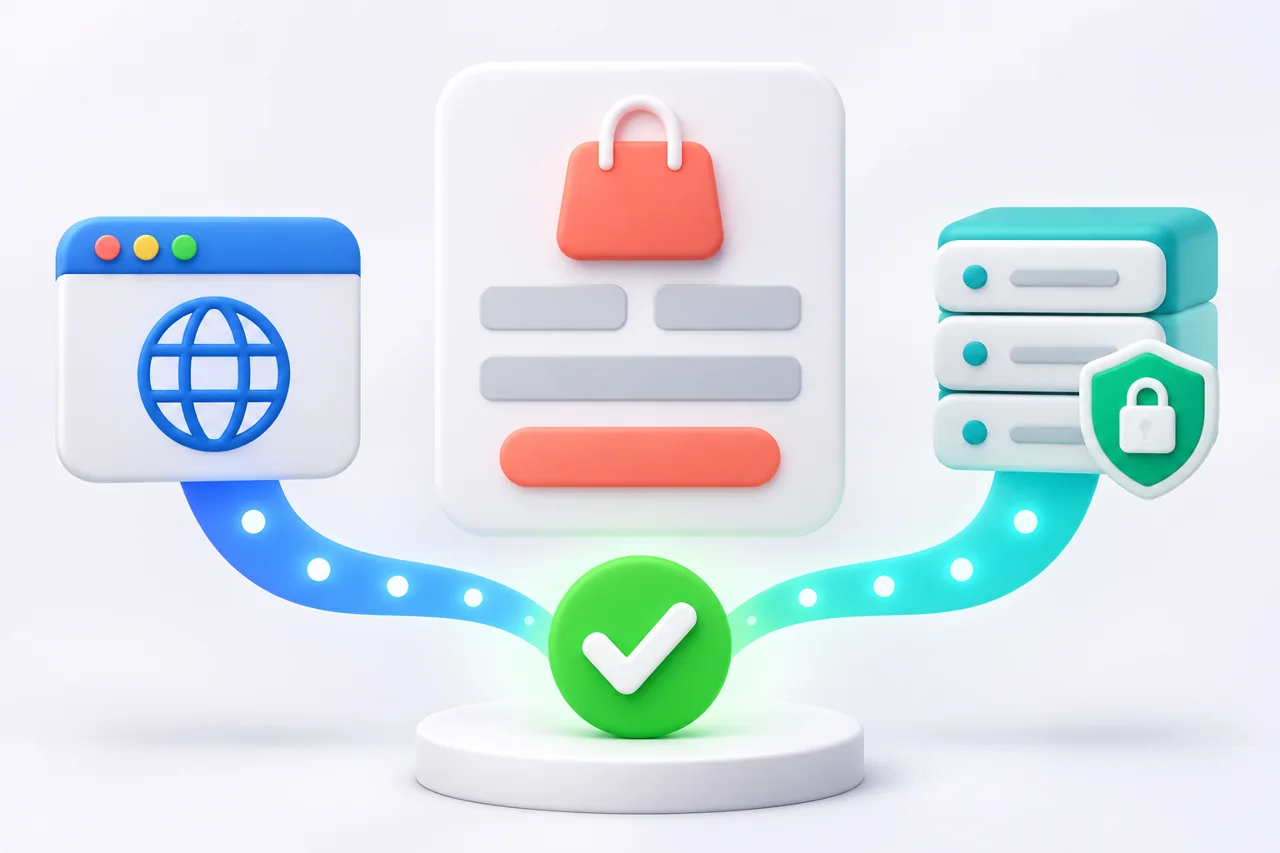
Adzlance sets up ChatGPT Ads conversion tracking with the browser-based Measurement Pixel, the server-side Conversions API, or both. Create a data source, install the right method, choose the campaign event, and test it so Ads Manager can connect leads or sales to an ad. Use professional ChatGPT Ads campaign management to align campaigns, landing pages, and measurement.
An event reaching OpenAI is not automatically credited to an ad. It must match the campaign configuration, fall inside the attribution window, and contain enough information to connect it to a qualifying click or impression.
In this guide
- What Do You Need Before Setting Up Tracking?
- How do I set up conversion tracking for ChatGPT Ads?
- How to set up OpenAI Ads Pixel on a website
- What Is the Difference Between the OpenAI Pixel and Conversions API?
- Which Conversion Events Should You Track?
- How to track leads from ChatGPT advertising
- How can ecommerce businesses measure ChatGPT Ads revenue?
- Why Are Conversions Missing or Duplicated?
- How Should You Measure ChatGPT Ads Performance?
- When should a business increase its ChatGPT Ads budget?
- When Should You Get Professional Help?
- About the Author
What Do You Need Before Setting Up Tracking?
Define the business outcome before touching the code. A technically correct tag is still poor measurement if it fires for a low-value or duplicate action.
- An eligible ChatGPT Ads account with access to Ads Manager and conversion settings.
- A website or landing page you can edit, plus developer access for server-side work.
- One primary campaign outcome, such as a qualified lead, booked consultation, completed order, or paid subscription.
- A clear event map showing where each action occurs and which system confirms it.
- A consent and privacy review covering the data your business is permitted to share.
- A testing record with the time, event name, event ID, Pixel ID, and expected value.
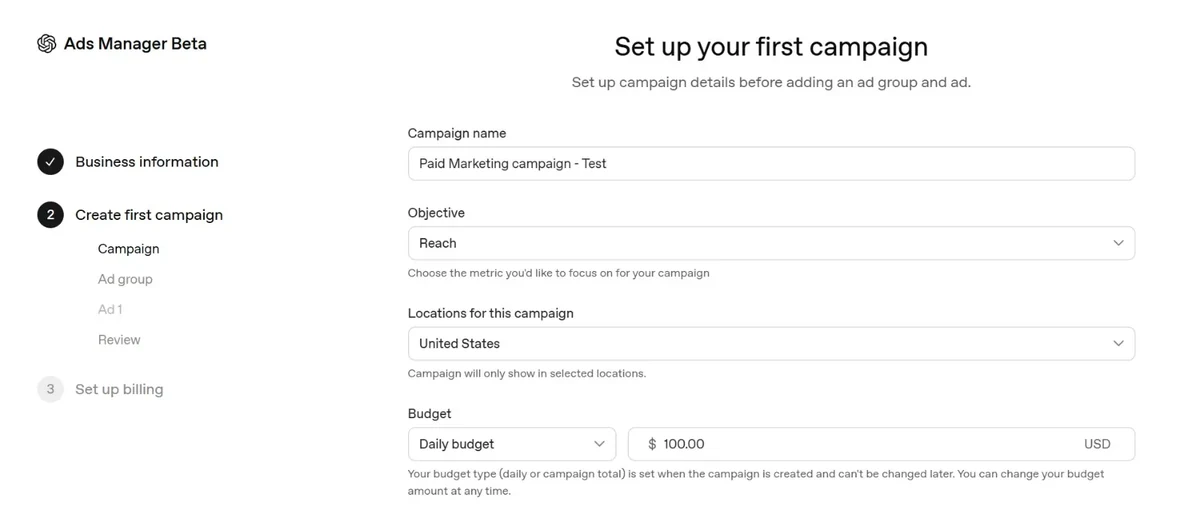
If the campaign itself is not built yet, follow the step-by-step ChatGPT Ads campaign setup guide before connecting the final event to the campaign.
How do I set up conversion tracking for ChatGPT Ads?
Step 1 Create a Conversion Data Source
Open the conversions area in Ads Manager and create a data source for the advertiser account. Confirm that it belongs to the same ad account as the campaign.
Step 2 Create the Pixel and Choose a Delivery Method
Create a Pixel ID. Use the Measurement Pixel for browser actions and the Conversions API when your backend confirms an outcome such as a paid order. OpenAI recommends using both where appropriate.
How to set up OpenAI Ads Pixel on a website
Step 3: Install and Initialize the Measurement Pixel
Place the base Pixel script near the top of the <head> on relevant pages so it loads early. Initialize it with the correct Pixel ID, then call the measurement method only when the intended action occurs. A thank-you page can work for a simple lead form, but an event tied to a successful form callback is usually more reliable than a page view alone.
The Pixel captures OpenAI’s oppref click reference and stores it in a first-party cookie. Preserve it through redirects and navigation so click matching is not weakened.
Step 4 Configure Server Events Through the Conversions API
Generate a Conversions API key for the same account and keep it on the server. Send the event after the outcome is confirmed, including the Pixel ID, event name, original timestamp, unique event ID, action source, required event data, and oppref when available. CAPI remains subject to consent and correct event logic.
Step 5 Select the Campaign Conversion Event
Attach the conversion before traffic begins. The sent event must match the standard event selected in the campaign. For custom events, the custom name must match exactly. Similar display names are not enough, and corrected settings do not backfill historical traffic.
Step 6 Test the Entire Customer Journey
Complete one test action from landing page to confirmation. Record the time, event name, event ID, Pixel ID, and value. Confirm receipt with Pixel debug logging, recent-event tools, or the CAPI response. OpenAI says attributed conversions may take about 24 to 48 hours to appear.
What Is the Difference Between the OpenAI Pixel and Conversions API?
The Pixel sends events from the browser, while CAPI sends them from the advertiser’s server. They are complementary. The right method depends on where the conversion is confirmed.
| Question | Measurement Pixel | Conversions API |
|---|---|---|
| Where it runs | Visitor’s browser | Advertiser’s server |
| Best for | Page and browser interactions | Confirmed backend outcomes |
| Click reference | Captures oppref automatically | Advertiser captures and passes oppref |
| Credential | Pixel ID in browser setup | Pixel ID plus secret CAPI key |
| Main risk | Blocked scripts or incomplete page flow | Incorrect payloads, keys, timestamps, or retries |
| Using both | Share the same Pixel ID, event name, and event ID | Share the same Pixel ID, event name, and event ID |
When both methods report the same action, use the same event ID so OpenAI can deduplicate the browser and server copies. Use a new ID for every different conversion, but retain the original ID when retrying the same event.
Which Conversion Events Should You Track?
Track the smallest set of events that reflects business value. OpenAI documents events including lead_created, appointment_scheduled, registration_completed, trial_started, subscription_created, checkout_started, items_added, and order_created. Use a custom event only when no standard event fits.
| Business model | Primary event | Useful supporting events |
|---|---|---|
| Lead generation | lead_created or appointment_scheduled | registration_completed, qualified internal outcome |
| Ecommerce | order_created | contents_viewed, items_added, checkout_started |
| SaaS | subscription_created or trial_started | registration_completed, appointment_scheduled |
| Local service | lead_created or appointment_scheduled | phone or offline event where supported and correctly implemented |
How to track leads from ChatGPT advertising
Fire a lead event only after the form is accepted or the booking is confirmed. Do not count button clicks, form starts, or thank-you-page visits as qualified leads unless that action reliably proves submission. Include a stable event ID and preserve the click reference across the journey. If your CRM later marks a lead as qualified, consider sending that deeper outcome as a separate permitted event.
For B2B campaigns, report both form submissions and qualified opportunities when possible, but optimize toward an event that occurs often enough and still represents commercial value.
How can ecommerce businesses measure ChatGPT Ads revenue?
Send order_created only after the payment or order system confirms the purchase. Include the supported order value, currency, and item data required by the event schema. OpenAI’s Order Created Sales and Order Created ROAS columns are calculated from attributed order_created events, so inaccurate values or duplicate events can distort revenue reporting.
The Pixel can capture the checkout journey while CAPI confirms the final order. If both send the purchase, use the same event ID to prevent duplication.
Why Are Conversions Missing or Duplicated?
| Problem | Likely cause | What to check |
|---|---|---|
| Event accepted but report shows zero | Event is not attributed or does not match the campaign setting | Event type, custom name, attribution window, data source, eligible traffic |
| Duplicate conversions | Pixel and CAPI use different event IDs or a tag fires twice | Pixel ID, event name, shared ID, repeated callbacks, partner integrations |
| CAPI request rejected | Invalid key, Pixel ID, payload, timestamp, or batch | Response code, exact error, schema, original Unix-millisecond time |
| Click cannot be connected | oppref was lost during redirects or not passed server-side | Landing URL, redirect chain, cookie capture, server payload |
| Recent conversion not visible | Attribution processing is still underway | Wait 24 to 48 hours after confirming receipt and configuration |
Do not resend an accepted event with a new ID simply because the report has not updated. That can create a second action. Keep the original ID and timestamp when retrying the same conversion.
How Should You Measure ChatGPT Ads Performance?
Start with conversions, conversion rate, and cost per conversion, then connect them to lead quality, sales, and revenue. Ads Manager also reports impressions, clicks, spend, CTR, average CPC, and average CPM. State the date range, attribution settings, and whether reporting uses ad-event time or conversion time.
Before changing bids or budgets, compare the conversion data with the targeting inputs described in how ChatGPT Ads targeting works. Weak context hints, mismatched creative, or the wrong landing page can produce poor outcomes even when tracking is technically correct.
When should a business increase its ChatGPT Ads budget?
Increase the budget only after conversion tracking is stable, the campaign is producing qualified outcomes, and the current budget is limiting useful delivery. Review lead quality, cost per acquisition, revenue, and the campaign’s recent consistency. Scale gradually, then watch whether performance remains within the business target instead of increasing spend because clicks look inexpensive.
When Should You Get Professional Help?
Bring in a specialist when conversions happen server-side, several domains are involved, redirects remove parameters, values are inconsistent, or Pixel and CAPI events need deduplication. The specialist should explain what fires, how attribution works, and how reporting connects to revenue.
For a broader understanding of objectives, bids, targeting, creative, and reporting, read the complete guide to ChatGPT Ads. If you are budgeting a first test, also review current ChatGPT Ads costs and minimum budgets.
If you need ChatGPT Ads conversion tracking experts to review the data source, event map, campaign settings, and reporting before launch, contact Adzlance for a practical implementation assessment.
Frequently Asked Questions
Does ChatGPT Ads have a tracking Pixel?
Yes. OpenAI documents a browser-based Measurement Pixel that is initialized with a Pixel ID and sends events when specified actions occur. Install the base script on relevant pages, trigger the correct supported event, preserve the oppref click reference, and test the implementation before relying on campaign reports.
How do I install the OpenAI Measurement Pixel?
Create a Pixel ID in the conversions area of Ads Manager, add OpenAI’s current base script near the top of the website head, initialize it with that Pixel ID, and call the measurement method when the conversion occurs. Use OpenAI’s official code example because the implementation can change.
Can I track leads from ChatGPT Ads?
Yes. Send lead_created when a form or enquiry is successfully accepted, or appointment_scheduled when a booking is confirmed. Avoid counting a button click as a lead. Use a unique event ID, preserve available click information, and verify that the campaign is configured for the same event.
Can ecommerce stores track purchases and revenue?
Yes. Send order_created after the order is confirmed and include supported value, currency, and item data. Attributed order_created events can populate Order Created Sales and ROAS reporting. Browser and server purchase copies must share the same Pixel ID, event name, and event ID to prevent duplication.
What is the difference between Pixel and Conversions API?
The Pixel sends events from a visitor’s browser and can capture oppref automatically. The Conversions API sends events from the advertiser’s server and requires the business to pass available click references. CAPI can confirm backend outcomes, while the Pixel supplies browser context. Many advertisers benefit from using both.
Why are my conversions not appearing in Ads Manager?
First confirm the event reached the correct data source. Then verify that its standard event type or custom event name exactly matches the campaign configuration and falls inside the attribution window. OpenAI says attributed conversions may take about 24 to 48 hours to appear after processing.
How do I prevent Pixel and CAPI duplicate conversions?
Send the browser and server copies with the same Pixel ID, event name, and event ID. Use a new ID for each different action, but keep the original ID when retrying the same action. Also check for duplicate tags, repeated callbacks, and partner integrations that already send the event.
What is oppref in ChatGPT Ads attribution tracking?
oppref is OpenAI’s click reference added to an ad landing-page URL. The Pixel can capture it and store it in a first-party cookie. Advertisers using CAPI should preserve and pass it when available. Redirects, link decoration, and cross-domain steps should be tested so the reference is not lost.
About the Author
Gurdeep Singh is the founder of Adzlance and has more than five years of paid-media experience across Google Ads, Meta Ads, ChatGPT Ads, and conversion tracking. He writes practical guides that connect advertising spend with business results.
Practical ChatGPT Ads Guides
Continue with campaign setup, targeting, and budget planning.